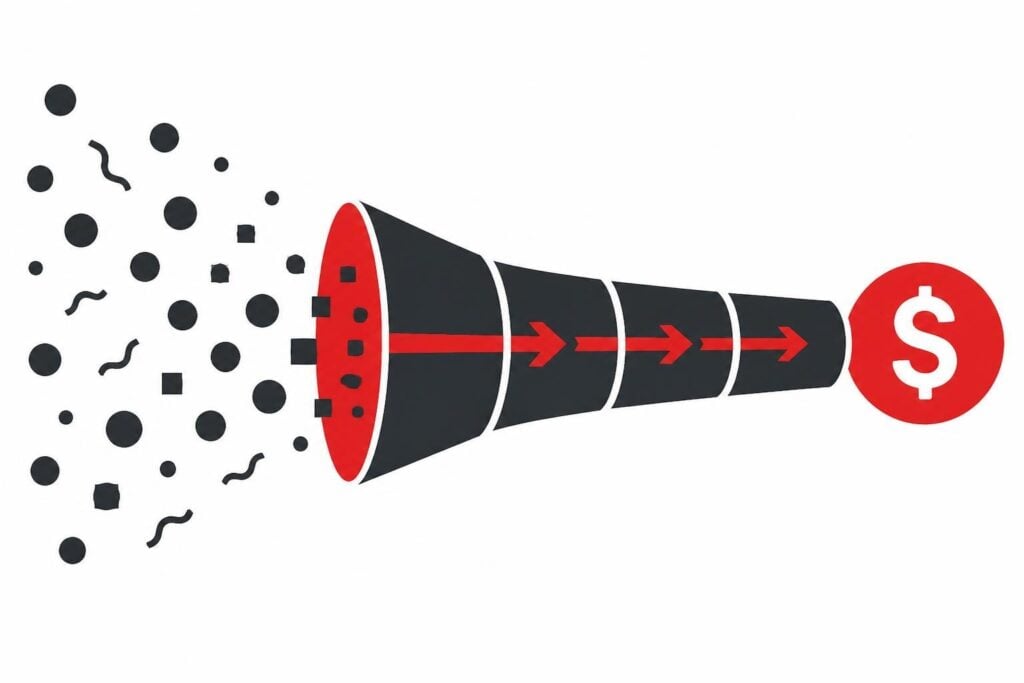
To track lead effectively means capturing every interaction, source, and touchpoint a prospect takes from first discovery to closed deal, then connecting that data to revenue. Most B2B teams lose 40-60% of attribution visibility because they track form fills but ignore what happens before and after, leaving sales blind to which campaigns actually convert and marketing unable to prove ROI.
The ability to track lead behavior is not optional in 2026. If you cannot see where prospects come from, what they do on your site, how they respond to follow-up, and which sources close revenue, you are burning budget on channels that do not work while starving the ones that do. Cold outreach stopped working years ago, and without proper tracking, B2B lead generation becomes a guessing game where marketing blames sales and sales blames marketing while the calendar stays empty.
Why Most B2B Teams Fail to Track Lead Data Properly
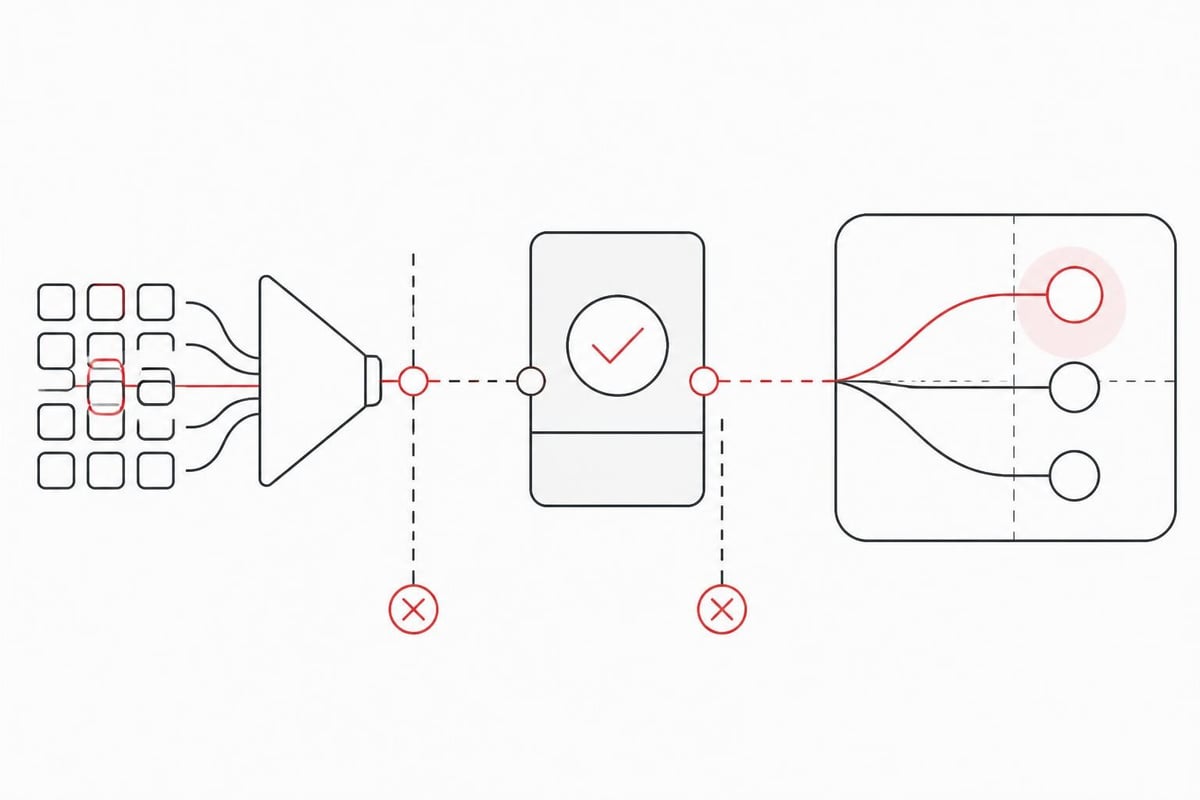
The tracking gap happens at three points: pre-conversion, conversion, and post-conversion. Marketing platforms show clicks and impressions, CRMs capture form submissions, but the middle is dark. You know someone filled out a form, but you do not know if they watched your video, read three case studies, or bounced after five seconds. You definitely do not know if that lead turned into a qualified call or revenue six months later.
Most teams install Google Analytics, hook up a CRM, and call it done. That setup tracks events, not outcomes. You see page views and form submissions but cannot answer basic questions like "which campaign source produced the most closed deals this quarter?" or "do leads from LinkedIn convert faster than leads from paid search?"
The Hidden Cost of Incomplete Tracking
When you cannot track lead sources to revenue, every marketing decision becomes subjective. Someone's opinion about "brand awareness" trumps data. Sales complains leads are low quality but cannot prove which sources deliver junk. Marketing shifts budget based on vanity metrics like impressions instead of pipeline contribution.
Aletto has tracked over 47,000 inbound leads across B2B SaaS and service clients since 2024, and the pattern is consistent: companies that track fewer than four attribution touchpoints waste 35-50% of their acquisition budget on channels that never convert to revenue. They keep running ads that generate clicks but no closes because they only measure the click, not the outcome.
The ICO guidance on online tracking makes this harder. Privacy regulations require consent before you track lead behavior, which means fewer cookies, less persistent identifiers, and more anonymous sessions. If your tracking relies solely on third-party cookies, you have already lost 30-40% visibility in 2026.
What Should You Track When You Track Lead Activity?
Track source, behavior, speed, and outcome for every lead. Source tells you where they came from (paid ad, organic search, referral, direct). Behavior tells you what they did (pages visited, content consumed, forms filled). Speed tells you how fast they move through stages. Outcome tells you if they became a qualified opportunity and closed revenue.
A complete tracking system captures:
- First-touch source: The campaign or channel that introduced the lead to your brand
- Multi-touch interactions: Every meaningful touchpoint between first visit and conversion
- Conversion events: Form fills, demo requests, trial signups, call bookings
- Lead scoring signals: Engagement actions that indicate buying intent
- Sales disposition: Qualified vs. unqualified, show vs. no-show, close vs. lost
- Revenue attribution: Dollar value tied back to original and assisting sources
You need this data in one system, not scattered across Google Analytics, your CRM, your ad platforms, and your marketing automation tool. When data lives in silos, no one can connect acquisition cost to customer value.
Server-Side Tracking and Identity Resolution
Browser-based tracking is dying. Ad blockers, privacy features, and consent requirements block 30-50% of client-side pixels. Server-side tracking sends event data from your servers to analytics platforms, bypassing browser restrictions.
Google's GA4 Measurement Protocol lets you send lead events server-side, including the generate_lead event that fires when someone converts. This preserves tracking accuracy even when cookies are blocked. Combined with first-party data collection (emails, phone numbers, CRM IDs), you build persistent identity graphs that survive cookie deletion and cross-device journeys.
If your leads call you, call tracking ties phone conversations back to campaigns. Dynamic number insertion shows different numbers based on traffic source, so you know if a lead from Google Ads or Facebook called. Twilio and similar platforms capture call recordings, duration, and outcome, feeding that data back into your CRM for complete attribution.
How Do You Track Lead Sources Across Multiple Channels?
Use UTM parameters for paid and owned channels, CRM source fields for direct and referral, and multi-touch attribution models to assign credit. Every campaign link should have utm_source, utm_medium, and utm_campaign tags. When a lead clicks that link and converts, the UTM data flows into your CRM's hidden fields or tracking cookies, tagging the lead with its origin.
For example:
- Paid search link:
?utm_source=google&utm_medium=cpc&utm_campaign=saas_demo_q4 - LinkedIn organic post:
?utm_source=linkedin&utm_medium=social&utm_campaign=thought_leadership - Email nurture:
?utm_source=activecampaign&utm_medium=email&utm_campaign=webinar_followup
When someone fills out your demo form, those parameters populate hidden fields in the form, and your CRM records "Source: Google, Medium: CPC, Campaign: saas_demo_q4" on the contact record. Now sales knows this lead came from a paid Google ad, not an organic visit or cold outreach.
Multi-Touch Attribution Models
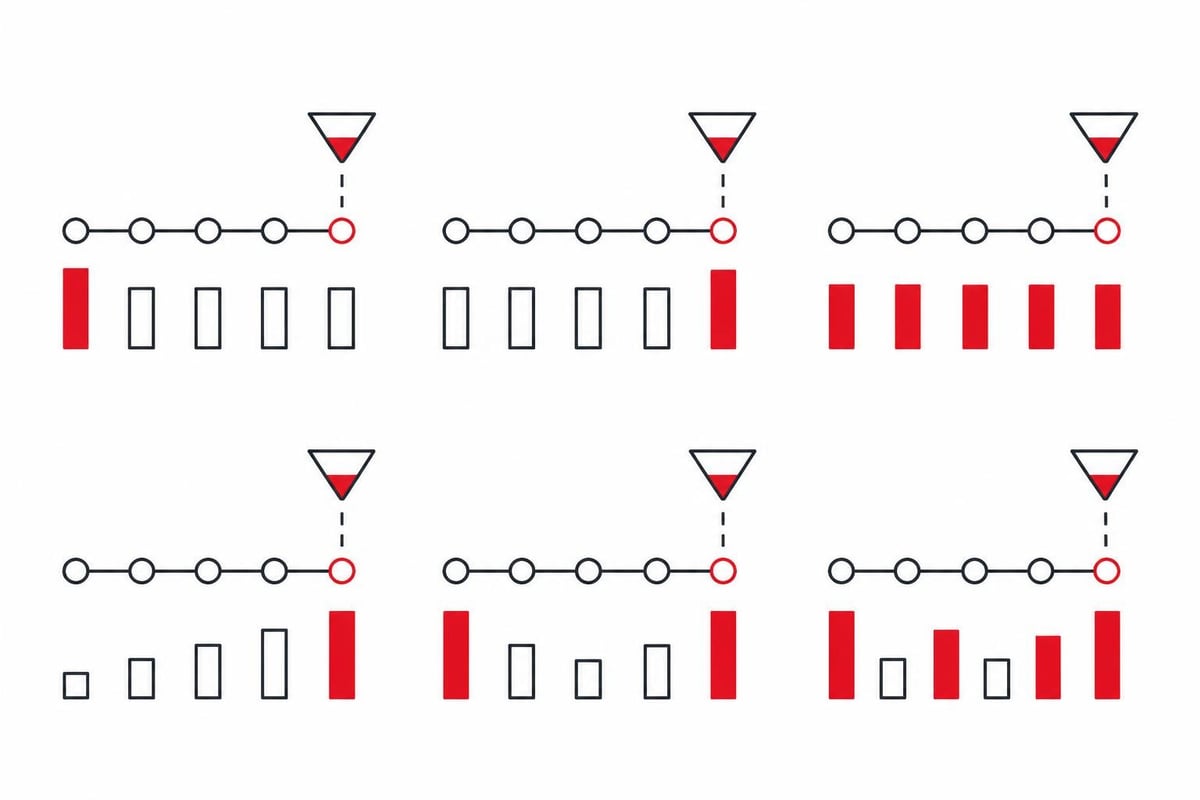
A lead rarely converts on the first visit. They might discover you via organic search, return through a retargeting ad, read a case study, then book a call from an email. Multi-touch attribution spreads credit across all touchpoints instead of giving 100% to the last click.
| Model | Credit Distribution | Best For |
|---|---|---|
| First-touch | 100% to first interaction | Understanding awareness channels |
| Last-touch | 100% to final interaction before conversion | Direct response campaigns |
| Linear | Equal credit to all touchpoints | Long, complex sales cycles |
| Time-decay | More credit to recent touchpoints | Nurture-heavy pipelines |
| U-shaped | 40% first, 40% last, 20% to middle | Balancing acquisition and conversion |
| W-shaped | 30% first, 30% conversion, 30% close, 10% middle | Full-funnel visibility |
The MMA multi-touch attribution whitepaper explains how to implement these models without enterprise-level attribution platforms. For most B2B teams, U-shaped or W-shaped models provide the clearest picture of which channels drive awareness and which close deals.
Aletto uses a modified W-shaped model internally: 25% to paid acquisition source, 25% to demo booking event, 25% to qualified call outcome, and 25% distributed across content and nurture touchpoints. This shows which ads fill the calendar and which follow-up steps convert calls to customers.
What Tools Do You Need to Track Lead Data End-to-End?
You need a CRM, a marketing automation platform, an analytics system, and an integration layer to connect them. The CRM is your source of truth for lead records, sales stages, and closed revenue. Marketing automation tracks email engagement, landing page visits, and lead scoring. Analytics platforms (Google Analytics 4, Mixpanel, Amplitude) capture session behavior and conversion events. An integration layer (Zapier, Make, native APIs) syncs data between systems so every tool has the full picture.
Here is the minimum stack to track lead effectively in 2026:
- CRM: HubSpot, Salesforce, Pipedrive, or Close for contact records, deal stages, and revenue data
- Marketing automation: ActiveCampaign, HubSpot, or Marketo for email nurture, lead scoring, and behavioral tracking
- Analytics: Google Analytics 4 for website behavior, conversion funnels, and source/medium reporting
- Ad platforms: Native tracking pixels (Meta Pixel, Google Ads tag, LinkedIn Insight) for retargeting and conversion optimization
- Call tracking: CallRail, Twilio, or WhatConverts for phone attribution
- Attribution: HubSpot Attribution, Ruler Analytics, or custom dashboards pulling CRM and analytics data
The ActiveCampaign lead tracking guide walks through practical workflows for syncing web behavior into marketing automation, scoring leads based on engagement, and passing qualified leads to sales with full interaction history.
Building a Unified Tracking Dashboard
Raw data is useless if no one looks at it. You need a dashboard that answers questions sales and marketing actually ask:
- How many leads did we generate this month by source?
- What is the cost per qualified opportunity by channel?
- Which campaigns have the highest demo-to-close rate?
- How long does it take a lead to move from first touch to closed deal?
- What is the revenue ROI for each acquisition channel?
Most teams build this in Google Data Studio, Tableau, or directly in their CRM's reporting module. Pull lead source from CRM, match it to ad spend from platform APIs, calculate cost per lead and cost per close, then visualize trends over time.
Aletto's internal dashboard tracks 14 metrics per campaign, but the three that matter most are cost per booked call, show rate, and qualified-to-close rate. If a campaign books calls for $150 each, 70% show up, and 30% qualify, that is a $500 cost per qualified opportunity. Compare that across channels and you immediately know where to shift budget.
How Do You Track Lead Engagement and Qualification Signals?
Lead scoring assigns points to behaviors that indicate buying intent, and engagement tracking records which content and touchpoints a lead consumes. Someone who visits your pricing page three times, watches a product demo video, and opens every nurture email is showing higher intent than someone who filled out a form and went silent.
Behavioral signals to track:
- Page visits: Pricing, features, case studies, comparison pages
- Content downloads: Whitepapers, ROI calculators, implementation guides
- Email engagement: Opens, clicks, reply rate
- Video views: Demo videos, customer testimonials, product walkthroughs
- Event participation: Webinars, workshops, live Q&A sessions
- Time on site: Session duration, pages per session, return visits
Assign point values based on your own conversion data. If 60% of leads who visit your pricing page twice convert to demos, that behavior is worth more points than a single blog visit. When a lead hits your threshold (say, 100 points), they trigger an alert to sales or auto-book into a calendar.
Real-Time Lead Tracking for Sales Teams
Sales needs to know what a lead did before they hop on a call. If a prospect filled out a demo form, sales should see:
- Which ad or content piece brought them in
- What pages they visited after the form
- Whether they opened follow-up emails
- If they engaged with chat, watched videos, or returned multiple times
This context changes how sales approaches the conversation. A lead who read three case studies and watched a 20-minute product walkthrough is further along than someone who clicked an ad and filled a form on impulse.
HubSpot, Salesforce, and Pipedrive surface this engagement data in the contact timeline. Before a call, the rep reviews the timeline, sees the lead visited pricing twice yesterday, and opens the conversation with "I noticed you were checking out our Enterprise plan, what specific use case are you evaluating?"
Aletto's system automates this entirely. When a lead books a demo, an AI bot immediately follows up via SMS and email, asks pre-qualifying questions, and logs the responses in the CRM. By the time sales joins the call, they know the lead's budget, timeline, decision-makers, and use case because the AI already extracted that information through conversational engagement. This approach generated 1,122 qualified sales calls in 11 months without cold outreach, and you can see the exact system in the Free AI Call Booking Report.
What Are the Legal and Privacy Requirements When You Track Lead Data?
You must obtain consent before tracking personal data, honor opt-outs, and comply with GDPR, CCPA, and telemarketing rules. The UK ICO tracking guidance is clear: non-essential cookies and tracking require informed consent. That means cookie banners, privacy policies, and respect for "Do Not Track" signals.
In the U.S., the FTC Telemarketing Sales Rule governs how you handle leads you plan to call. If you buy lead lists or use third-party data, you must verify opt-in consent and maintain Do Not Call list scrubbing. Violations carry fines up to $50,120 per incident in 2026.
Best practices:
- Ask for consent explicitly: "By submitting this form, you agree to receive marketing communications and allow us to track your activity."
- Provide opt-out mechanisms: Unsubscribe links in emails, preference centers, and clear instructions to request data deletion.
- Limit data retention: Do not store tracking data longer than necessary for attribution and lead management.
- Anonymize where possible: Aggregate reports do not need individual-level identifiers.
- Document your legal basis: GDPR requires you to justify why you track each data point (legitimate interest, consent, contract performance).
The IAB Tech Lab guidelines provide technical standards for privacy-friendly tracking, including Consent Management Platforms (CMPs) and identifier alternatives that work without third-party cookies.
How Do You Track Lead-to-Revenue Attribution in Complex Sales Cycles?
Tag every lead with source data at capture, update deal stages in the CRM, and run closed-loop reporting that ties won revenue back to original campaigns. In a 90-day sales cycle, you need persistent identifiers that survive multiple touchpoints, systems, and handoffs between marketing and sales.
Most attribution breaks because CRM records do not include campaign source fields, or marketing tracks conversions but never follows up to see which leads closed. The fix is closed-loop reporting: marketing generates leads, sales updates disposition, and both teams review a shared report showing source → lead → opportunity → revenue.
Implementing Closed-Loop Reporting
- Capture source data on every lead: Use hidden form fields, UTM parameters, or CRM integrations to tag leads with campaign source at the moment they convert.
- Map lead lifecycle stages: Define clear stages (Lead → MQL → SQL → Opportunity → Customer) and require sales to update status as leads progress.
- Sync deal values and close dates: When an opportunity closes, the CRM records revenue amount and close date, linked to the original lead record.
- Build attribution reports: Pull all closed deals, group by original source/campaign, sum revenue, divide by ad spend to calculate ROI.
The Oracle Lead to Order implementation guide covers enterprise-level workflows for complex sales organizations managing multi-product, multi-stakeholder deals. Most of the principles apply to smaller B2B teams: maintain a single source of truth, enforce data hygiene, and automate stage transitions where possible.
Example: Tracking a Lead from Click to Close
A prospect clicks a LinkedIn ad for a free ROI calculator. The link includes UTM tags: ?utm_source=linkedin&utm_medium=paid_social&utm_campaign=roi_calc_oct2026. They land on a page, download the calculator by filling a form. Hidden fields capture the UTM data and store it in HubSpot as "Original Source: LinkedIn Paid Social, Campaign: roi_calc_oct2026."
Over the next two weeks, they receive an email nurture sequence, visit the pricing page, and book a demo. The demo booking creates an opportunity in HubSpot, inheriting the original source tags. Sales has a great call, sends a proposal, and closes the deal 45 days later for $18,000 annual contract value.
Because the original source data persisted through every stage, you can now say: "LinkedIn paid social, ROI calculator campaign, generated $18,000 in revenue. We spent $1,200 on that campaign, so ROI is 15x." Without persistent source tracking, you would only know "we closed a deal" with no idea which marketing activity drove it.
How Can You Track Lead Quality, Not Just Lead Volume?
Quality tracking measures conversion rate, sales velocity, and lifetime value by source, not just raw lead count. A channel that delivers 500 leads per month sounds great until you realize 2% qualify and 0.5% close. Another channel delivers 50 leads, 40% qualify, and 15% close. The second channel wins.
Track these quality metrics by source:
| Metric | Definition | Calculation |
|---|---|---|
| MQL rate | Percentage of leads that meet marketing-qualified criteria | MQLs ÷ Total Leads |
| SQL rate | Percentage of MQLs accepted by sales as qualified | SQLs ÷ MQLs |
| Demo show rate | Percentage of booked demos where prospect attends | Shows ÷ Bookings |
| Opportunity rate | Percentage of demos that create pipeline opportunities | Opps ÷ Shows |
| Close rate | Percentage of opportunities that become customers | Closed Won ÷ Opps |
| Sales cycle length | Average days from first touch to close | Median (Close Date – First Touch Date) |
| Customer LTV | Average revenue per customer over their lifetime | Sum(Revenue) ÷ Customers |
Run these metrics for each acquisition source. If Google Ads leads close at 8% and take 45 days, but organic search leads close at 18% and take 30 days, you know organic delivers higher quality despite lower volume. Shift budget and content strategy accordingly.
Aletto tracks "qualified call rate" as the primary quality metric. A qualified call means the lead showed up, had budget, authority, need, and timeline (BANT), and sales determined they are worth pursuing. Across 47,000 leads, qualified call rate varies 10x between channels: paid search leads qualify at 22%, while cold LinkedIn outreach qualifies at 2%. The difference is intent. Paid search leads are actively looking for a solution. Cold outreach leads were interrupted.
Frequently Asked Questions
What is the difference between tracking leads and tracking conversions?
Tracking conversions measures a single event (form fill, demo booking), while tracking leads follows the entire journey from first touch through sales stages to revenue. Conversion tracking tells you what happened; lead tracking tells you why, who, and how much value that action generated.
How do I track leads without violating privacy laws?
Use first-party data collection (form fields, email signups), obtain explicit consent via cookie banners, anonymize aggregate reports, and honor opt-out requests. Avoid third-party cookies and undisclosed tracking. Follow GDPR, CCPA, and ICO online tracking guidance to stay compliant.
What is the best CRM for lead tracking in B2B SaaS?
HubSpot offers the most complete built-in attribution and lead tracking for small to mid-market B2B. Salesforce provides deeper customization for enterprise teams. Pipedrive and Close work well for sales-focused teams that want simplicity. Choose based on sales cycle complexity and integration needs.
Can I track leads across multiple devices and sessions?
Yes, if you use persistent identifiers like email addresses or CRM IDs. Server-side tracking and first-party cookies improve cross-device accuracy. When a lead logs in or submits a form, you tie their session to a known contact record, connecting mobile, desktop, and in-app behavior.
How long should I track a lead before considering them dead?
Most B2B teams mark leads inactive after 90-180 days of zero engagement. However, long sales cycles (12+ months) require longer tracking. Set engagement thresholds (opened an email, visited a page) and re-engage leads who go quiet before permanently archiving them.
The core of effective lead tracking is persistence, integration, and outcome measurement. Capture source data at first touch, maintain it through every stage, and tie it back to revenue so you know which channels fill your calendar with deals that close. Without this visibility, you waste budget on campaigns that look good in vanity metrics but deliver zero pipeline. If you want to see how a complete system integrates paid acquisition, AI follow-up, and automated booking to generate qualified calls without cold outreach, check out Aletto’s free AI call booking report and see the exact framework that booked 1,122 sales calls in 11 months.