Lead response is the time between when a prospect submits their information and when your sales team makes first contact. In B2B sales, responding within the first five minutes increases your odds of qualifying that lead by 21x compared to waiting 30 minutes, yet most companies take hours or even days to follow up. This gap costs teams millions in lost pipeline and hands warm opportunities directly to faster competitors.
The speed and quality of your initial contact determines whether a high-intent prospect becomes a booked meeting or vanishes into a competitor's funnel. Every minute of delay after someone fills out a form, downloads a resource, or requests a demo reduces your chance of meaningful conversation. For B2B SaaS and service teams trying to fill sales calendars without relying on cold outreach, mastering lead response is the difference between hitting targets and missing quota.
What Is Lead Response Time and Why Does It Matter?
Lead response time is the elapsed duration from the moment a prospect takes action (form submission, chat inquiry, demo request) to when a human or automated system initiates first contact. This metric directly predicts whether you'll qualify the lead, book the meeting, and eventually close the deal.
The data is clear: research from Harvard Business Review analyzed 2,241 companies and found that firms who contacted leads within an hour were nearly seven times more likely to qualify them than those who waited just 60 minutes longer. The first five minutes are even more critical. Leads contacted in that window are 21 times more likely to enter the sales process than those reached after 30 minutes.
Why Speed Creates Qualification Advantage
When someone requests information or books a call slot, they're at peak interest. They have a problem in mind, budget questions surfacing, and likely tabs open comparing your solution to two or three competitors. That window of active attention closes fast.
The faster you respond, the more likely you are to:
- Catch the prospect while context is fresh – they remember exactly why they reached out
- Beat competitors to the conversation – most B2B buyers contact multiple vendors simultaneously
- Signal professionalism and urgency – fast follow-up builds trust and sets expectations
- Qualify accurately – prospects share more detail when they're still engaged with the problem
Slow response sends the opposite message. It tells prospects you're disorganized, under-resourced, or simply don't prioritize their business. In competitive markets, that's enough reason to move on.
What Slows Down Lead Response in B2B Sales Teams?
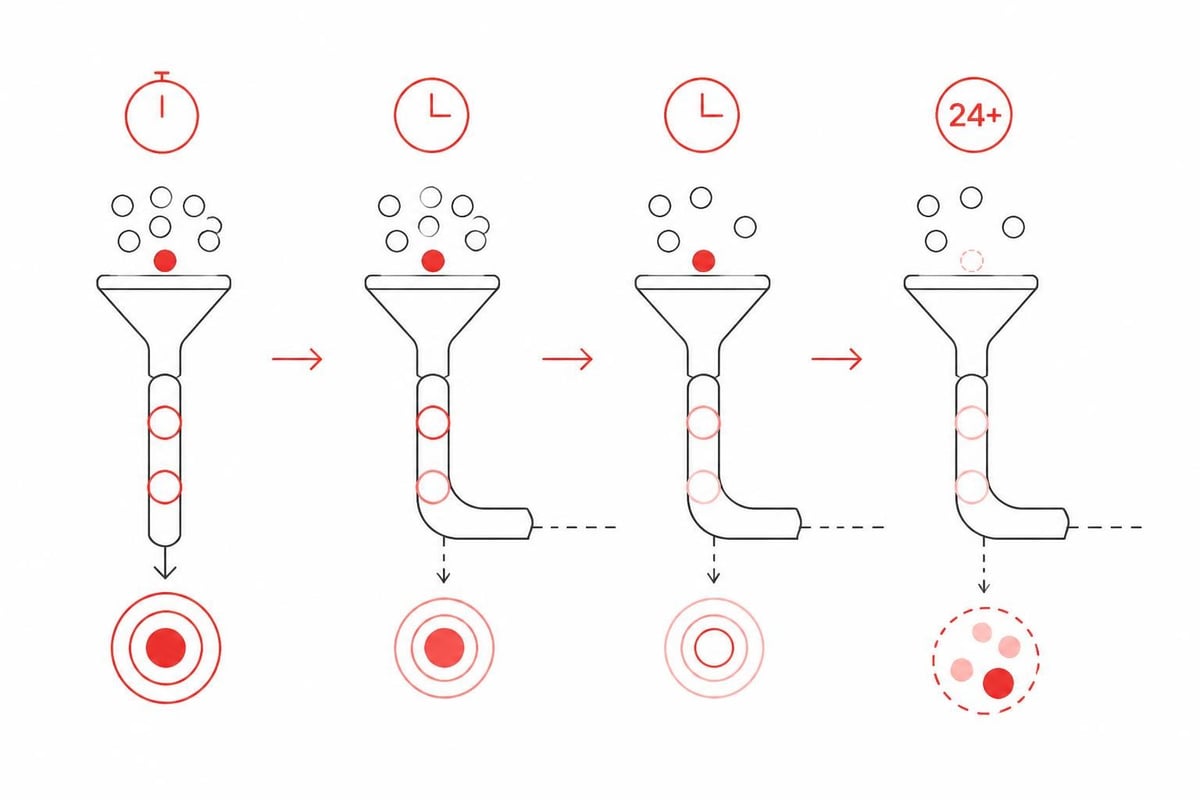
Most B2B organizations know speed matters, yet recent benchmarks show that the average company takes over 47 hours to respond to a new lead. Only 7% of companies respond within five minutes. The problem isn't awareness, it's execution.
Here's what actually breaks down in lead response systems:
Manual Lead Routing and Assignment
Leads come in through multiple channels (website forms, paid ads, content downloads, event sign-ups) and often sit in a queue waiting for manual assignment. Someone has to log into the CRM, check lead source, determine territory or industry fit, and assign to the right rep. This process alone can add 30-90 minutes of delay.
Territory conflicts, vacation coverage, and unclear ownership rules compound the problem. When no one is clearly responsible for a lead, everyone assumes someone else will handle it.
Lack of Real-Time Notification Systems
Email notifications don't cut it. Reps check email sporadically, and inbound lead alerts get buried under newsletters, internal threads, and customer requests. Slack and SMS alerts improve response rates, but only if the routing system knows who should receive them.
Many teams lack integrated notification workflows that trigger the right alert to the right person based on lead attributes, time of day, and rep availability.
No Defined Lead Response SLA
Without a clear service-level agreement on response time, there's no accountability. If the standard is "respond when you can," the result is unpredictable delays. Top-performing teams set explicit SLAs: five minutes for demo requests, 15 minutes for content downloads, 60 minutes for general inquiries.
These SLAs need monitoring, reporting, and consequences. If a rep consistently misses the five-minute mark, that's a coaching opportunity or a signal that lead volume exceeds capacity.
Poor Lead Quality and Scoring Confusion
When marketing passes every form fill to sales without qualification, reps become numb to new lead alerts. They start triaging based on gut feel rather than urgency, and genuinely hot leads get delayed while reps chase cold tire-kickers.
Lead scoring should separate high-intent signals (demo requests, pricing page visits, multiple return visits) from low-intent activity (single blog read, unsubscribe form submissions). Only leads above a threshold should trigger urgent response workflows.
| Common Lead Response Blocker | Average Delay Added | Fix |
|---|---|---|
| Manual lead assignment | 30-90 minutes | Automated routing by territory, industry, or round-robin |
| Email-only notifications | 60-180 minutes | Real-time SMS or Slack alerts |
| No response SLA | 24+ hours | Define and enforce 5-minute SLA for high-intent leads |
| Undifferentiated lead flow | Varies (distraction cost) | Implement lead scoring to separate hot from cold |
How Do You Measure and Track Lead Response Time?
You can't improve what you don't measure. Most CRM platforms can track lead response time, but many teams either don't configure tracking correctly or don't report on it consistently.
Setting Up Tracking in Your CRM
In Salesforce, lead response time is typically calculated using a timestamp field that captures when the lead record was created and another timestamp marking first activity (call, email, or task logged). Salesforce documentation covers auto-response rules that trigger immediate automated replies, but human response tracking requires workflow rules or process builder to capture the first rep action.
Accurate tracking in Salesforce means ensuring reps log activities immediately and that your data model distinguishes between automated replies (which don't count as true response) and human-initiated contact attempts.
HubSpot users can leverage time-to-first-contact reports and set up workflows that calculate response duration automatically, feeding dashboards that show median response time by rep, lead source, and time of day.
Key Metrics to Monitor
Don't just track average lead response time. Averages hide problems. One rep responding in two minutes and another in four hours averages to about two hours, masking a severe performance gap.
Monitor these metrics weekly:
- Median response time – less skewed by outliers than average
- Percentage of leads contacted within 5 minutes – your gold standard
- Response time by lead source – paid ads often convert faster than organic content
- Response time by rep – identifies coaching needs and capacity issues
- Contact attempt rate – what percentage of leads receive any outreach at all
A complete lead response measurement system also tracks what happens after first contact: qualification rate, meeting-booked rate, and eventual conversion by response speed cohort.
What Systems and Automation Improve Lead Response?
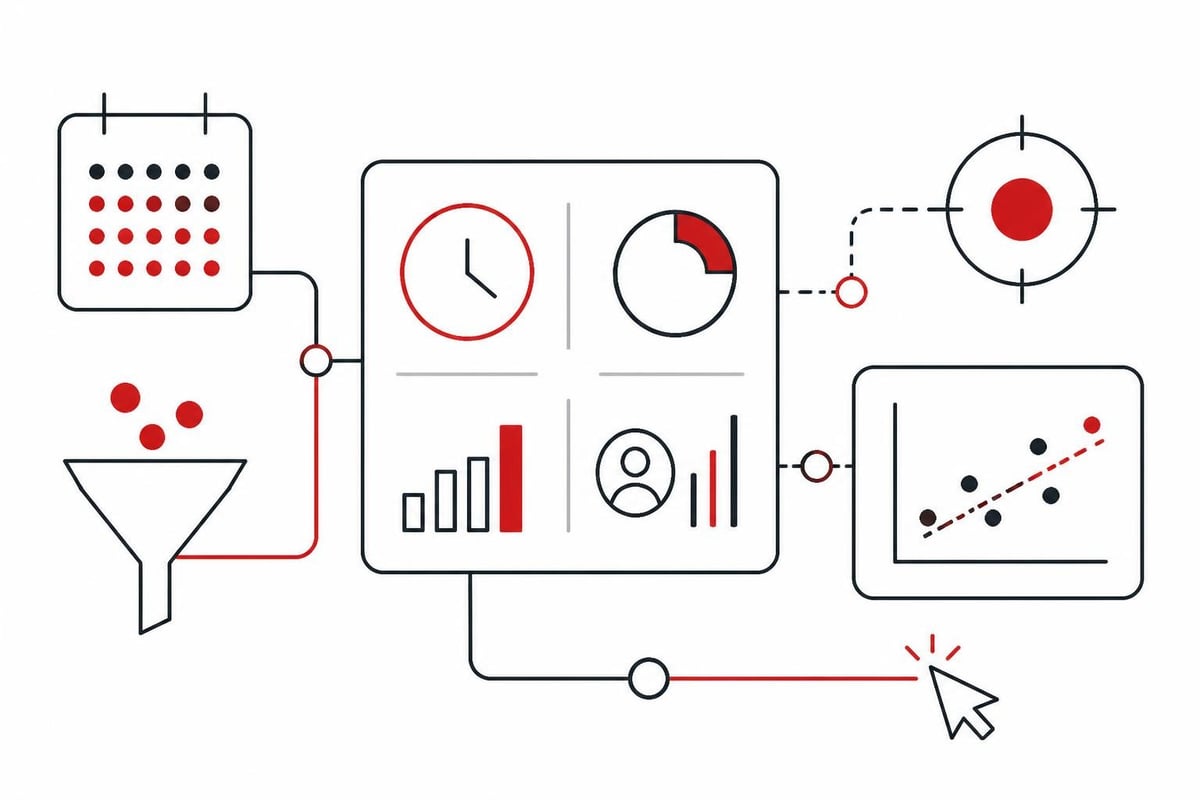
Technology alone won't fix a broken process, but the right automation eliminates the delays caused by manual handoffs, unclear ownership, and human limitations (like sleep and weekends).
Automated Lead Routing and Assignment
Modern lead routing platforms like LeanData, Chili Piper, and native CRM routing rules assign leads in seconds based on territory, account ownership, industry vertical, company size, or even language preference. Lead routing automation ensures the right rep gets the lead immediately and receives real-time notification.
Round-robin assignment distributes leads evenly and prevents cherry-picking. Sophisticated routing can also check rep availability, meeting capacity, and time zone before assigning.
Instant Automated Acknowledgment
An immediate automated response buys you time and sets expectations. When a prospect submits a demo request, an instant email confirming receipt and promising contact within five minutes keeps them engaged while your system routes the lead and alerts the rep.
This isn't a substitute for human contact, but it prevents the prospect from assuming their request disappeared into a black hole. It also reinforces your brand as responsive and organized.
AI-Powered Follow-Up for After-Hours and Overflow
Leads don't only arrive during business hours. A Free AI Call Booking Report from Aletto demonstrates how AI-driven follow-up can maintain conversation quality and book meetings even when human reps are offline. AI tools can qualify, answer common questions, and schedule calls directly into a rep's calendar, ensuring no lead waits until Monday morning.
This approach works especially well for teams handling global inbound volume or scaling beyond the capacity of their current headcount. The AI doesn't replace reps; it ensures every lead gets immediate, relevant engagement while routing qualified opportunities to humans.
Real-Time Alerts and Multi-Channel Notification
Email is too slow. Integrate SMS, Slack, or Microsoft Teams notifications that ping the assigned rep the instant a high-intent lead arrives. Notifications should include lead context (company name, role, lead source, request type) so the rep can prioritize and personalize outreach without opening the CRM first.
Some teams use dedicated lead alert channels in Slack with escalation rules: if the assigned rep doesn't acknowledge the lead within two minutes, it escalates to their manager or a backup rep.
What Does Effective Lead Response Look Like in Practice?
Theory is one thing. Execution under real-world constraints is another. Here's what high-performing lead response looks like on the ground.
Example Scenario: SaaS Demo Request at 2:47 PM
A director of sales at a 200-person SaaS company visits your pricing page, browses three case studies, and submits a demo request form at 2:47 PM on a Tuesday.
What happens next in a high-performance system:
- 2:47:03 PM – Automated email confirms receipt and promises contact within five minutes
- 2:47:10 PM – Lead routing rule assigns to Account Executive based on company size and industry vertical
- 2:47:12 PM – SMS alert pings AE with lead details and link to CRM record
- 2:49:00 PM – AE reviews LinkedIn profile and company website (30 seconds)
- 2:49:30 PM – AE calls lead's mobile number from the form (no answer, leaves voicemail)
- 2:50:00 PM – AE sends personalized email referencing the specific case study the lead viewed
- 2:52:15 PM – Lead replies via email with availability
- 2:54:00 PM – AE books meeting for next day and sends calendar invite
Total time to first contact: 2.5 minutes. Time to booked meeting: 7 minutes.
What Breaks This Process
Common failure points in real-world execution:
- Lead arrives when the assigned rep is in a meeting – solution: backup routing or AI engagement
- Lead source doesn't capture mobile number – solution: require phone on high-intent forms
- Rep hesitates to call immediately – solution: coaching and culture that normalizes instant outreach
- No one monitors after-hours or weekend leads – solution: AI follow-up or on-call rotation
The best lead response systems anticipate these breaks and build redundancy.
How Can B2B Teams Build a Lead Response Culture?
Process and technology matter, but culture determines whether your team actually executes. If reps view fast response as optional or annoying, your automation stack won't save you.
Make Speed a Shared Value
Sales leadership must reinforce that lead response speed is a competitive advantage and a professional standard. Celebrate reps who consistently hit the five-minute mark. Share win stories where speed made the difference ("They told us they picked us because we called in three minutes while our competitor took two days").
Include lead response time in QBRs, rep scorecards, and compensation plans. When it's measured and rewarded, it gets done.
Eliminate Barriers to Immediate Action
If reps spend 10 minutes hunting for lead context before reaching out, they'll delay. Surface key information in notifications: lead source, recent page views, company size, previous interactions. Use tools that let reps click to call or click to email directly from the alert.
Remove friction from the process. Every extra click or system login is an excuse to "get to it later."
Train on Personalization at Speed
Reps sometimes delay because they want to research and craft the perfect message. That's a mistake. A good-enough personalized message in three minutes beats a perfect message in three hours.
Train reps to use 30-second research sprints: check LinkedIn, glance at the company website, reference the specific action the lead took (downloaded X resource, visited Y page). That's enough context to make first contact feel human and relevant.
Frequently Asked Questions
What is considered a good lead response time for B2B companies?
A good lead response time for B2B is under five minutes for high-intent leads like demo requests or pricing inquiries. Industry benchmarks show that only 7% of companies achieve this standard, but those that do see qualification rates 21 times higher than teams responding after 30 minutes. For lower-intent leads like content downloads, responding within 15-30 minutes is acceptable.
How does lead response time affect conversion rates?
Lead response time directly correlates with conversion rates. Research from Harvard Business Review found that contacting leads within the first hour makes you nearly seven times more likely to qualify them compared to waiting just 60 minutes longer. Every additional minute of delay reduces the prospect's engagement and increases the likelihood they've moved on to a competitor or lost interest.
What tools can automate lead response for B2B sales teams?
Tools like LeanData, Chili Piper, and HubSpot Sales Hub automate lead routing, instant notifications, and meeting scheduling. AI-powered platforms like those used by Aletto can engage leads with personalized follow-up, qualify them through conversation, and book meetings directly into rep calendars, maintaining response quality even after hours or during high-volume periods.
Should we use automated emails or phone calls for first lead response?
The most effective lead response combines both: an instant automated email acknowledging receipt, followed by a human phone call within five minutes. The email manages expectations and provides instant confirmation, while the phone call creates personal connection and allows real-time qualification. If the prospect doesn't answer, follow up with a personalized email referencing their specific action or interest.
How do we measure lead response time accurately in our CRM?
Accurate lead response measurement requires tracking the timestamp when the lead enters your system and the timestamp of the first human action (call, personalized email, or SMS). Automated replies don't count as true response. In Salesforce, use workflow rules to capture first activity timestamps. In HubSpot, leverage time-to-first-contact reports and ensure reps log all activities immediately so the data reflects reality.
Lead response speed separates B2B teams that hit quota from those that watch opportunities slip away. The first five minutes determine whether a prospect becomes a conversation or a competitor's win. If your team struggles with response time, manual routing, or after-hours lead handling, Aletto's system integrates paid acquisition, AI follow-up, and automated booking to fill your calendar without cold outreach. See exactly how we've booked over 1,122 qualified calls in 11 months with our Free AI Call Booking Report and discover the specific workflows that eliminate lead response delays.