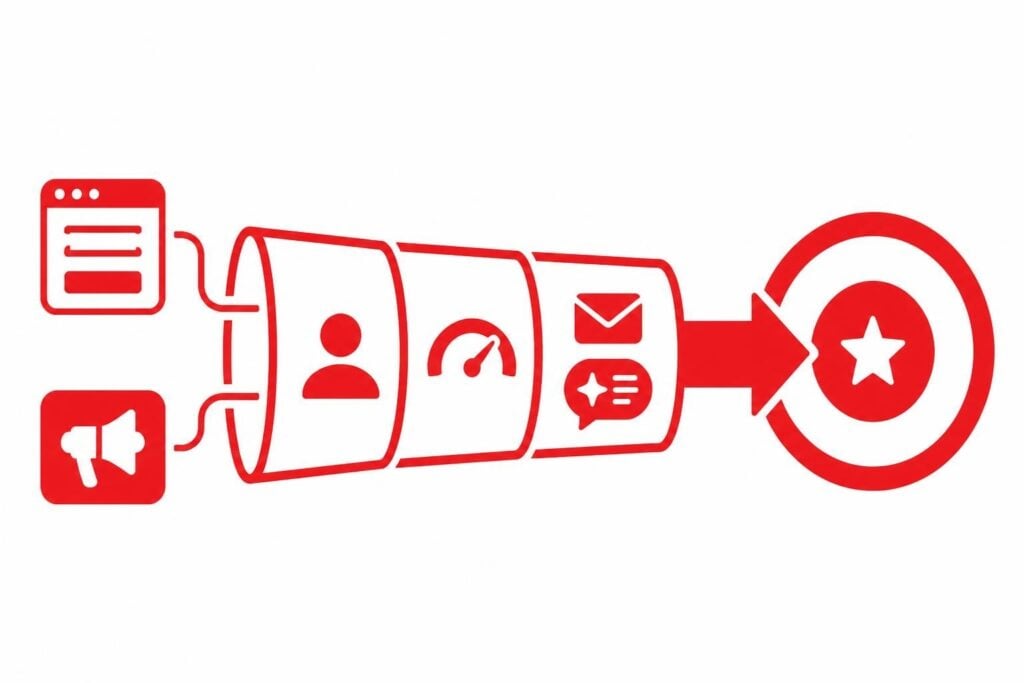
Salesforce for lead generation works by capturing prospects from multiple channels, scoring them based on engagement and fit, then routing qualified leads to sales through automated workflows. Most B2B teams implement Salesforce to centralize lead data, track source performance, and measure conversion rates from first touch to closed deal. The platform becomes the single source of truth that connects marketing spend to actual pipeline.
The challenge is that most teams treat Salesforce as a database instead of an engine. They dump contacts into the system and wonder why conversions stay flat. According to Harvard Business Review research on modern B2B lead generation, the organizations seeing real results use their CRM to orchestrate multi-touch nurture programs that respond to buyer behavior in real time. This article shows you exactly how to configure Salesforce for lead generation that actually fills your calendar.
How does Salesforce capture and organize leads?
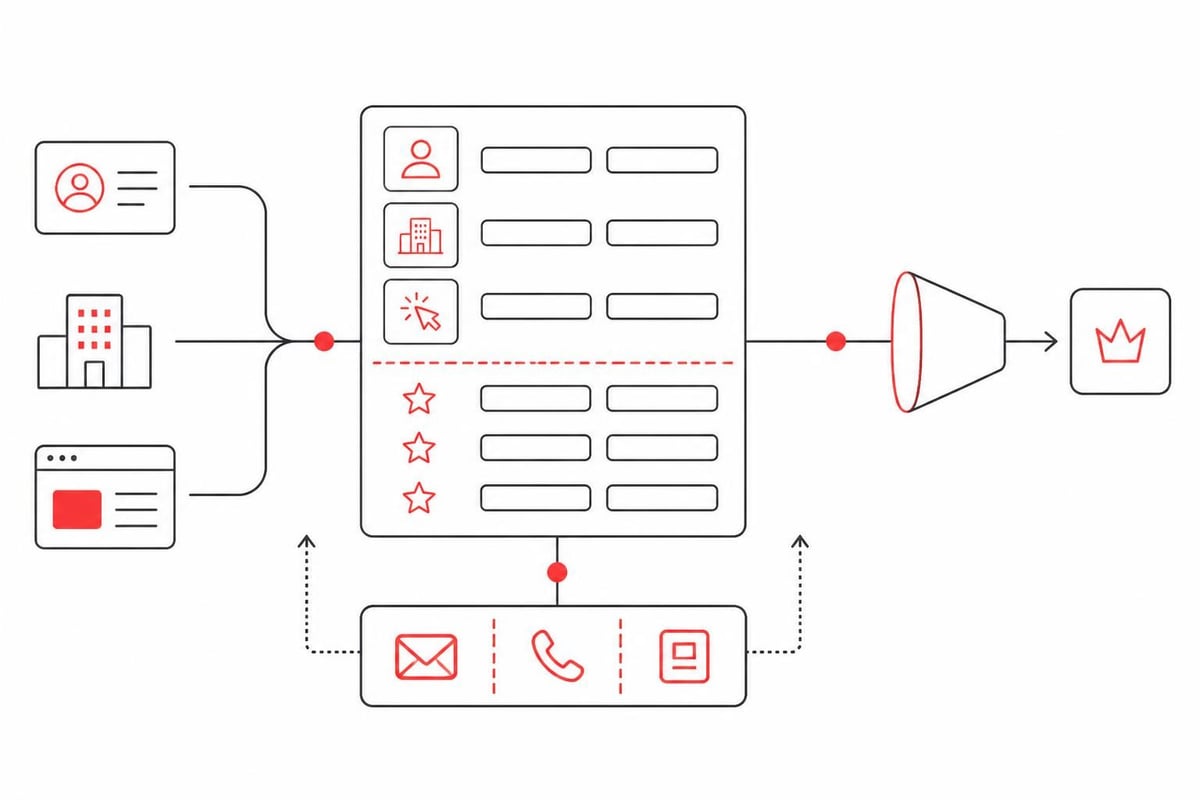
Salesforce uses the Lead object as the starting point for every new prospect. A Lead in Salesforce represents an individual who has shown interest but hasn't been qualified as an opportunity yet. Salesforce defines Leads as records containing contact information, company details, and source data that help sales teams prioritize outreach.
The system captures leads through multiple entry points:
- Web-to-Lead forms that automatically create Lead records from website submissions
- API integrations that push prospects from advertising platforms, chat tools, and third-party databases
- Email imports from trade show lists, content downloads, and partner referrals
- Manual entry by sales development reps who find prospects through research
Each Lead record stores standard fields like name, email, phone, company, and title, plus custom fields you define based on your qualification criteria. The key is that Salesforce keeps all prospect data in one place with a complete activity history.
Lead source tracking
The Lead Source field tells you where each prospect originated. Standard values include Web, Phone Inquiry, Partner Referral, and Purchased List, but you should customize this list to match your actual channels. Aletto tracks separate sources for each paid platform (Meta, Google, LinkedIn), content type (webinar, whitepaper, calculator), and campaign to measure ROI down to the individual ad set.
Source attribution matters because it shows which channels generate qualified pipeline versus junk. When you run reports grouped by Lead Source, you see conversion rates and average deal size by channel, which tells you where to invest more budget.
What's the difference between Leads and Contacts in Salesforce?
A Lead is an unqualified prospect; a Contact is a person associated with an Account (company) that has been qualified as a potential customer. When your team determines a Lead meets your criteria, you convert it to a Contact, create or link to an Account, and optionally create an Opportunity to track the deal.
This conversion process is critical because it separates investigation from active selling. Marketing owns Leads and focuses on nurture until prospects hit qualification thresholds. Sales owns Contacts and Opportunities, working deals through your pipeline stages.
| Object | Purpose | Owner | Key Fields |
|---|---|---|---|
| Lead | Unqualified prospect | Marketing/SDR | Source, Status, Score |
| Contact | Qualified person | Sales | Account, Title, Role |
| Account | Company record | Sales | Industry, Size, Revenue |
| Opportunity | Active deal | Sales | Stage, Amount, Close Date |
The mistake most teams make is converting Leads too early because salespeople want everything in their pipeline. Research from Forrester on B2B marketing automation shows that premature conversion destroys marketing's ability to nurture and reduces overall conversion rates because sales chases unready buyers.
How do you set up lead scoring in Salesforce?
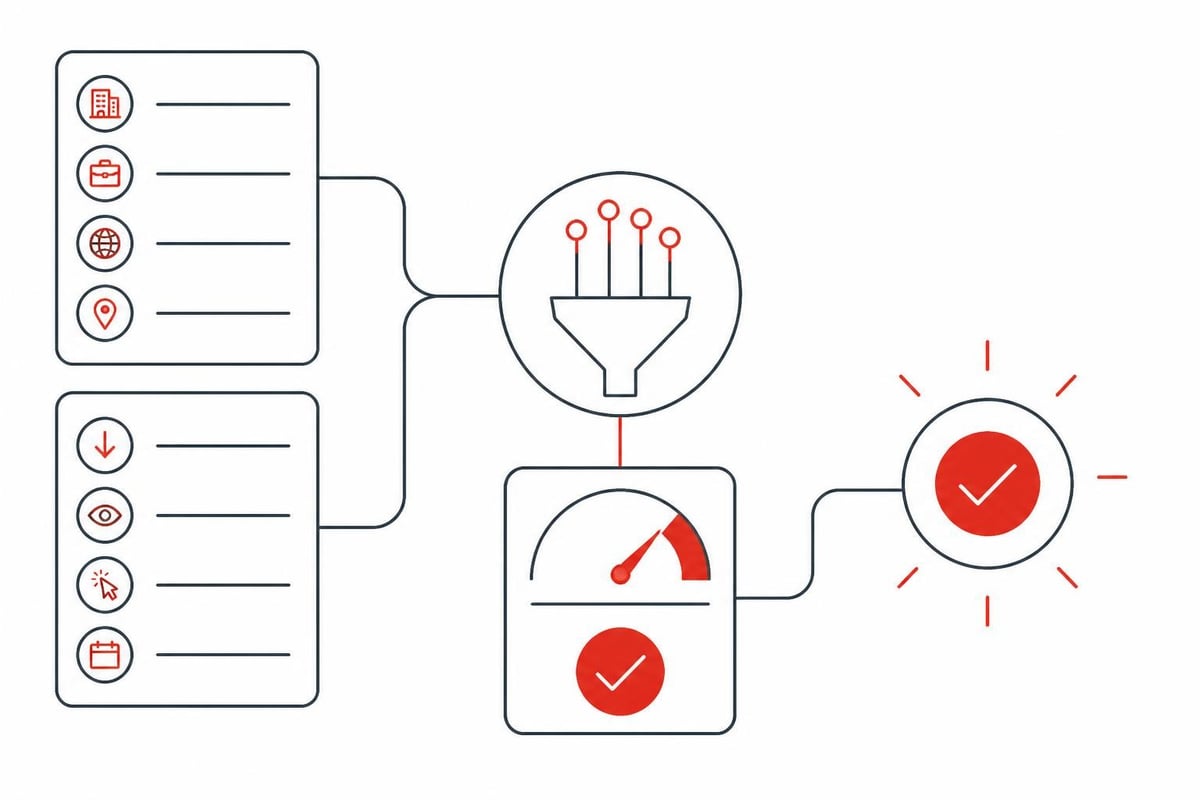
Lead scoring assigns point values to prospect behaviors and attributes so you can prioritize follow-up. A Lead Score field (custom number field) tracks cumulative points based on rules you define. High scores indicate strong fit and high intent; low scores stay in nurture.
Build your scoring model around two dimensions: demographic fit and engagement level. Demographic points measure how well the prospect matches your ideal customer profile. Engagement points measure actions that indicate buying interest.
Demographic scoring criteria:
- Company size in your target range: +10 points
- Job title matches decision-maker personas: +15 points
- Industry vertical you serve: +10 points
- Geographic territory you cover: +5 points
Engagement scoring criteria:
- Downloaded content asset: +5 points
- Attended webinar: +10 points
- Visited pricing page: +15 points
- Requested demo: +25 points
- Opened multiple emails in 7 days: +10 points
Implementing scoring with automation
Salesforce doesn't include native lead scoring in standard editions, so you'll use one of three approaches. First, you can build scoring with Process Builder or Flow to increment the score field when criteria are met. This works for simple models but becomes difficult to maintain as rules multiply.
Second, you can use Pardot (Salesforce's B2B marketing automation) which includes built-in scoring and grading. Pardot scores engagement automatically and lets you define grading criteria for fit. The platform syncs scores back to Salesforce Lead records in real time.
Third, you can integrate dedicated scoring tools like Madkudu, Infer, or 6sense through AppExchange. These platforms use predictive models and external data to score leads more accurately than rule-based systems.
For example, a B2B SaaS company selling to mid-market finance teams might set their qualification threshold at 50 points. Leads scoring 50+ trigger assignment to sales. Leads scoring 30-49 enter targeted nurture sequences. Leads below 30 receive general content until they engage more.
How should you configure lead assignment rules?
Lead assignment rules automatically route new and updated Leads to the right sales rep or queue based on criteria you define. This eliminates manual triage and ensures speed to lead, which directly impacts conversion rates. According to CIO.com coverage of lead generation best practices, responding within five minutes makes prospects 21 times more likely to convert than waiting 30 minutes.
Go to Setup > Lead Assignment Rules and create a rule set. Each rule has criteria (geography, product interest, company size, lead source) and an assignment target (user or queue). Salesforce evaluates rules in order and assigns the Lead to the first match.
Sample assignment logic:
- Enterprise leads (>1000 employees) → Enterprise SDR queue
- Inbound demo requests → Round-robin to SDR team
- Northeast territory + scored 50+ → Northeast AE
- West territory + scored 50+ → West AE
- All other qualified leads → General SDR queue
- Unqualified leads (score <30) → Marketing nurture queue
The key is matching assignment speed to lead temperature. Hot inbound leads need immediate response, so they go to active reps or use Salesforce Einstein Lead Routing for skills-based distribution. Colder leads can sit in queues for daily batch review.
Round-robin distribution
For teams with multiple reps handling the same territory or segment, round-robin ensures fair distribution. You can build this natively with Flows and custom fields that track the last rep assigned, or use AppExchange tools like Lead Assignment Manager or LeanData for more sophisticated routing based on rep capacity, availability, and performance.
What lead nurture workflows work best in Salesforce?
Lead nurture keeps prospects engaged through automated email sequences triggered by behavior, score changes, or time delays. The goal is to educate unready buyers and surface buying signals so you know exactly when to have sales reach out. Salesforce’s own Trailhead training on lead generation strategy recommends multi-touch campaigns that combine education, social proof, and clear calls to action.
Build nurture workflows in Pardot, Marketing Cloud Account Engagement, or integrated marketing automation platforms. Each workflow should have a specific purpose and clear exit criteria that moves Leads to the next stage.
High-performing nurture sequences:
- New Lead Welcome Series: 5 emails over 14 days introducing your company, sharing educational content, highlighting customer results, and explaining your solution approach
- Product Education Drip: 7 emails over 30 days walking through key features and use cases based on the Lead's indicated pain point or industry
- Event Follow-up: 3 emails over 7 days after webinar attendance sharing the recording, related resources, and case studies with a soft CTA for a conversation
- Re-engagement Campaign: 4 emails over 21 days to Leads who went dark, offering new content, company updates, or special offers to restart the conversation
What doesn't work is generic monthly newsletters. Aletto has tested dozens of nurture programs and found that behavioral triggers outperform time-based sends by 340% on click-through rates. When a Lead visits your pricing page three times in a week, that's the moment to send pricing details and offer to discuss packages, not wait until your monthly newsletter date.
Integrating AI follow-up
The breakthrough in 2026 is using AI to personalize follow-up at scale. Instead of sending the same email to everyone in a segment, AI tools analyze Lead data and activity history to customize messaging. Accenture’s work on personalizing Salesforce experiences with AI shows engagement rates improve 2-3x when content matches the prospect's specific situation.
Modern B2B teams route Leads to AI chat systems that hold conversations, answer questions, and qualify intent before scheduling with a human rep. Aletto's system integrates AI directly into the nurture flow, with the AI reaching out via SMS and email to continue the conversation that started with an ad or content download. The AI books meetings only when prospects demonstrate clear buying intent through their responses.
This matters because it solves the follow-up problem that kills most lead generation programs. Your team can't manually follow up with hundreds of new leads per month, and generic automation doesn't convert. AI follow-up gives you personalization at scale, which is what actually moves prospects toward booking a call.
How do you measure lead generation performance in Salesforce?
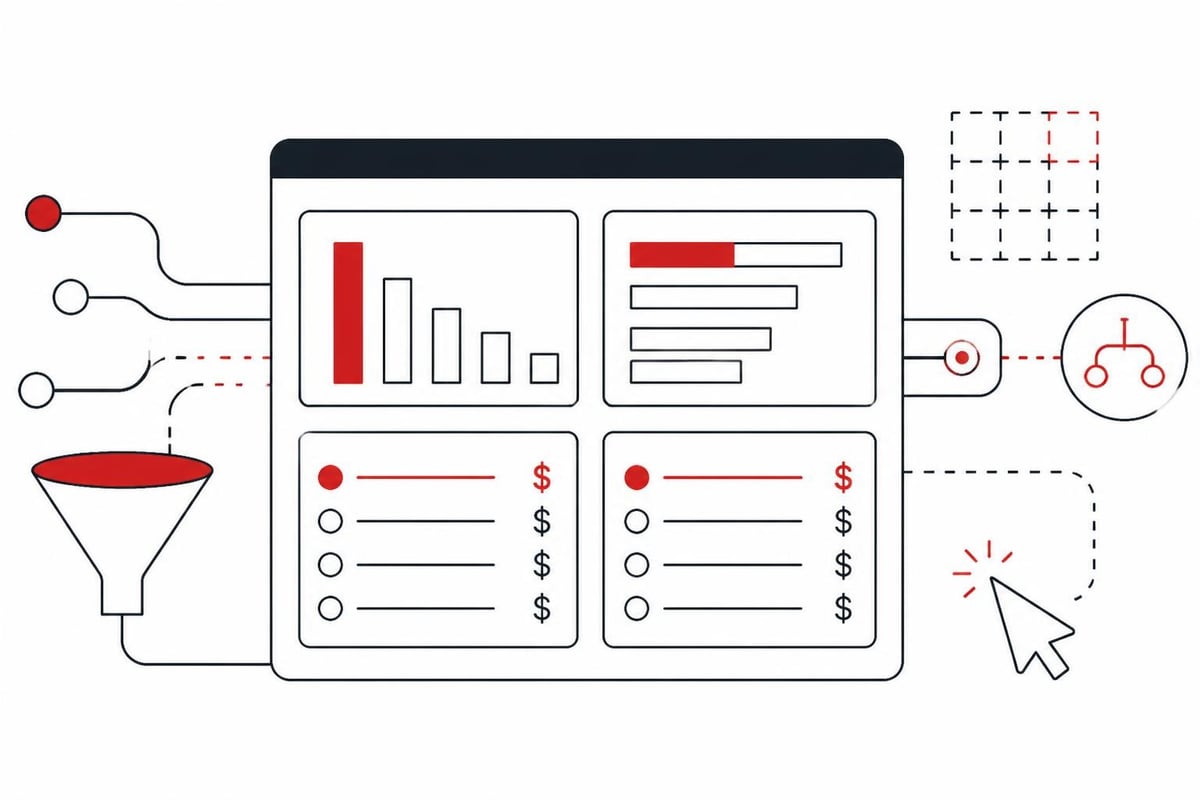
Salesforce reports and dashboards show exactly which lead sources produce revenue and which burn budget. The metrics that matter are: lead volume by source, lead-to-opportunity conversion rate, opportunity-to-customer conversion rate, average deal size by source, and cost per lead by source.
Build a lead source report grouped by Lead Source with columns for total Leads, converted Leads, conversion rate, and total Opportunities created. Add a formula field to calculate days from Lead Created Date to Converted Date, which shows your average speed to qualification.
Key performance indicators
Track these metrics monthly and compare trends quarter over quarter:
| Metric | Calculation | Target |
|---|---|---|
| MQL Volume | Scored leads ≥ threshold | Plan volume |
| MQL → SQL Rate | SQLs / MQLs | >40% |
| SQL → Opportunity | Opportunities / SQLs | >60% |
| Lead Velocity | Month-over-month MQL growth | >10% |
| Source ROI | Revenue / Cost by source | >5:1 |
The metric that matters most is cost per booked meeting from each lead source. You can generate 10,000 leads from a channel, but if only 5 turn into meetings, that channel failed. Calculate this by dividing your spend on each source by the number of qualified meetings booked from that source's leads. Aletto measures everything by cost per booked call because that's what actually impacts sales capacity and revenue.
For example, if you spend $5,000 on Google Ads and generate 200 leads, but only 8 become qualified opportunities and 3 book meetings, your cost per meeting is $1,667. Compare that to spending $3,000 on a webinar that generates 80 leads, with 30 opportunities and 12 meetings booked, your cost per meeting is $250. The webinar is the better investment even though volume is lower.
Building attribution models
First-touch attribution credits the original lead source. Last-touch attribution credits the final interaction before conversion. Multi-touch attribution distributes credit across all touchpoints in the buyer journey. Salesforce supports first and last-touch natively through the Lead Source and Campaign fields, but multi-touch requires custom development or tools like Bizible (now Marketo Measure).
Most B2B teams start with first-touch because it's simple and shows which channels initiate relationships. The limitation is that it ignores all nurture and sales touches that actually closed the deal. Multi-touch is more accurate but much harder to implement correctly. Pick the model you'll actually use to make decisions rather than the theoretically perfect one you'll never trust.
What integrations amplify Salesforce lead generation?
Salesforce becomes exponentially more powerful when you connect your advertising platforms, marketing automation, chat tools, and data enrichment services. These integrations eliminate manual data entry, enable behavioral triggering, and give you complete visibility into the prospect journey.
Essential integrations for lead generation:
- Advertising platforms (Meta, Google, LinkedIn): Automatically create Leads from ad form submissions and track campaign performance in Salesforce
- Marketing automation (Pardot, HubSpot, Marketo): Sync engagement data and trigger nurture based on Salesforce field changes
- Conversation tools (Drift, Qualified, Intercom): Route website visitors to sales and create Leads from chat interactions
- Data enrichment (Clearbit, ZoomInfo, Lusha): Automatically fill Lead records with firmographic and contact data
- Meeting schedulers (Calendly, Chili Piper): Embed booking directly in emails and forms, creating Events tied to Lead records
The mistake teams make is over-integrating. They connect every tool they use and create a brittle system that breaks when any vendor updates their API. Start with the 3-5 integrations that eliminate your biggest manual tasks and give you data you'll actually use to make decisions. Research from IDC on lead generation strategy emphasizes that technology stack complexity is the #2 reason marketing teams underperform their pipeline targets.
Building a connected system
The highest-performing setup connects paid acquisition to automated follow-up to meeting booking in one seamless flow. A prospect clicks an ad, fills a form, receives immediate AI follow-up via SMS and email, has a personalized conversation about their needs, and books a meeting with sales, all while Salesforce logs every interaction and updates the Lead record in real time.
This eliminates the gaps that kill conversions. Traditional approaches create a Lead in Salesforce, then wait for sales to manually reach out hours or days later. By that time, the prospect has moved on, talked to competitors, or simply lost interest. As discussed in our guide to booking qualified sales calls, instant engagement combined with persistent AI follow-up converts 5-7x better than manual sales outreach.
Companies are seeing breakthrough results by rethinking how they use Salesforce for lead generation. Instead of treating it as a contact database with some automation, winning teams build complete acquisition and conversion systems where Salesforce orchestrates every touchpoint from ad click to booked meeting.
Aletto has implemented this exact system for dozens of B2B SaaS and service companies, booking over 1,100 qualified sales calls in 11 months without cold outreach or relying on manual follow-up. The system integrates paid acquisition, AI follow-up, and automated booking, with Salesforce serving as the central hub that tracks every prospect interaction and measures ROI by source and campaign.
What doesn't work when using Salesforce for lead generation?
Most teams fail because they focus on lead volume instead of lead quality. They connect every possible source to Salesforce, celebrate hitting lead count goals, and wonder why pipeline stays flat. The problem is that 80% of those leads are junk, unqualified prospects who will never buy, but they clog your system and waste sales time.
Common mistakes that destroy performance:
- No disqualification criteria: Accepting every form fill instead of filtering out students, competitors, and wrong-fit companies
- Weak lead scoring: Using arbitrary point values instead of analyzing what behaviors actually predict purchases
- Delayed follow-up: Routing leads to queues where they sit for days instead of triggering immediate response
- Generic nurture: Sending the same content to everyone instead of personalizing based on industry, role, and behavior
- Ignoring source data: Treating all leads equally instead of optimizing for the channels that produce revenue
Another critical failure is relying on cold outreach tools bolted onto Salesforce. Teams spend thousands on sales engagement platforms to send hundreds of cold emails from Salesforce, achieving 1-2% response rates and damaging their domain reputation. Cold email and cold calling don't work anymore because buyers ignore uninvited pitches. Research on why traditional outbound is failing shows response rates have dropped 70% since 2020 as spam filters improve and buyers become more protective of their attention.
The conversion problem
The real issue is that Salesforce can manage leads beautifully but can't make people book meetings. You can have perfect data hygiene, flawless routing, sophisticated scoring, and multi-touch nurture, but if prospects don't want to talk to sales, none of it matters. Traditional Salesforce implementations assume that if you nurture leads long enough, eventually they'll raise their hand and request a demo.
That's not how buying works in 2026. Prospects research extensively online, talk to peers, and form opinions before ever engaging with sales. By the time they fill out a "talk to sales" form, they're often far down the buying journey or just researching vendors for a future need. You need a system that engages prospects early, qualifies intent through conversation, and books meetings only when the prospect is actually ready to evaluate solutions.
This is why AI follow-up has become essential. It provides the immediate, personalized engagement that humans can't deliver at scale, qualifying prospects through natural conversation before involving sales. When integrated with Salesforce for lead generation, AI turns your CRM from a database into a conversion engine that actually fills your calendar with qualified opportunities.
Frequently Asked Questions
Can you use Salesforce for lead generation without marketing automation?
Yes, Salesforce includes basic email sending, Web-to-Lead forms, and workflow automation in standard editions. You can build simple nurture with Process Builder and send emails via Flows. However, you'll lack behavioral tracking, advanced segmentation, and sophisticated scoring that marketing automation provides. For teams generating 50+ leads per month, the limitations become painful quickly.
How much does Salesforce for lead generation cost?
Salesforce Sales Cloud starts at $25/user/month for Essentials (up to 10 users), $75/user/month for Professional, and $150/user/month for Enterprise. Marketing automation (Pardot/Account Engagement) starts at $1,250/month for up to 10,000 contacts. Add costs for integrations, data enrichment tools, and implementation help. Most B2B teams spend $3,000-8,000 monthly on their complete Salesforce lead generation stack.
What's the difference between Salesforce and HubSpot for lead generation?
Salesforce is a CRM that requires add-ons for marketing automation; HubSpot combines CRM and marketing automation in one platform. HubSpot is easier to implement and cheaper for small teams (under 20 people), but Salesforce scales better for complex sales processes and enterprise organizations. For pure lead generation functionality under 500 contacts, HubSpot often wins. For managing large sales teams and complex pipelines, Salesforce wins.
How long does it take to implement Salesforce for lead generation?
Basic setup with Web-to-Lead forms, lead assignment, and simple workflows takes 2-3 weeks. Adding marketing automation, advanced scoring, and custom integrations extends timeline to 6-12 weeks. Enterprise implementations working with partners like Deloitte often run 3-6 months to properly integrate with existing systems and migrate historical data. Plan for one month minimum if you're starting from scratch.
Do I need Salesforce Lightning Experience for lead generation?
Yes, Lightning Experience provides the modern interface, better mobile access, and newest features like Einstein AI and Flow Builder. Salesforce Classic is deprecated and won't receive new features. If you're still on Classic, migration to Lightning is required to access the tools you need for effective lead generation in 2026. The migration itself takes 4-8 weeks depending on customization complexity.
Salesforce for lead generation works when you focus on quality over volume, implement immediate follow-up, and measure everything by booked meetings rather than lead count. Most teams achieve mediocre results because they treat Salesforce as a database instead of building a complete system that engages prospects, qualifies intent, and books sales calls automatically. If you're filling forms but not filling your calendar, you need a different approach. Aletto's free AI Call Booking Report shows exactly how we book 1,122 qualified sales calls in 11 months without cold outreach, using paid acquisition, AI follow-up, and automated booking integrated with platforms like Salesforce. Get your free report to see the complete system in action.